How to Integrate MY GOV with QuickBooks Online to Lodge your
Business Activity Statements with ATO
Here are some ways to Integrate MY GOV with Quickbooks Online to Lodge your Business Activity Statements with ATO:
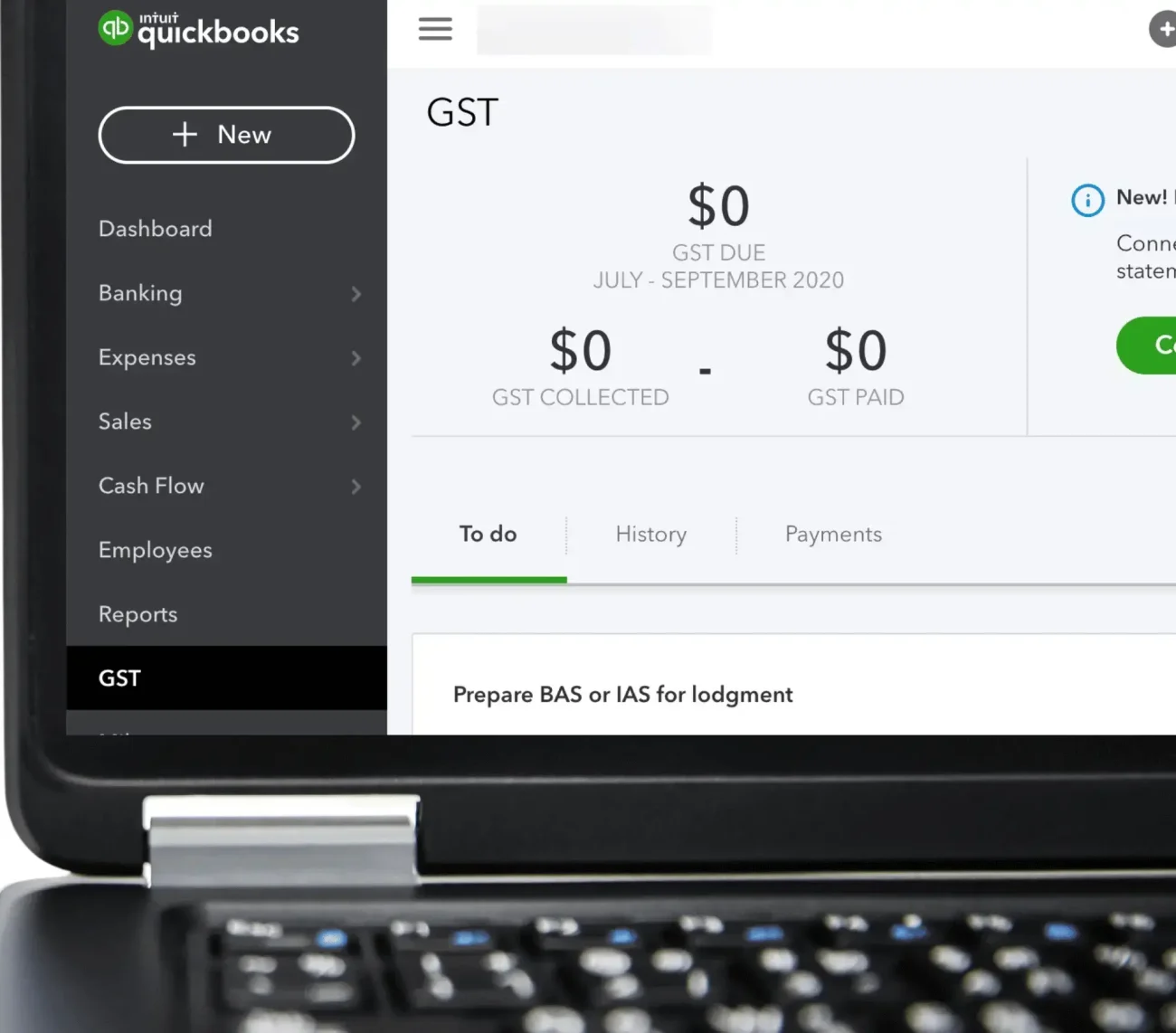
Select an option below to get started.
Go To QuickBooks Online
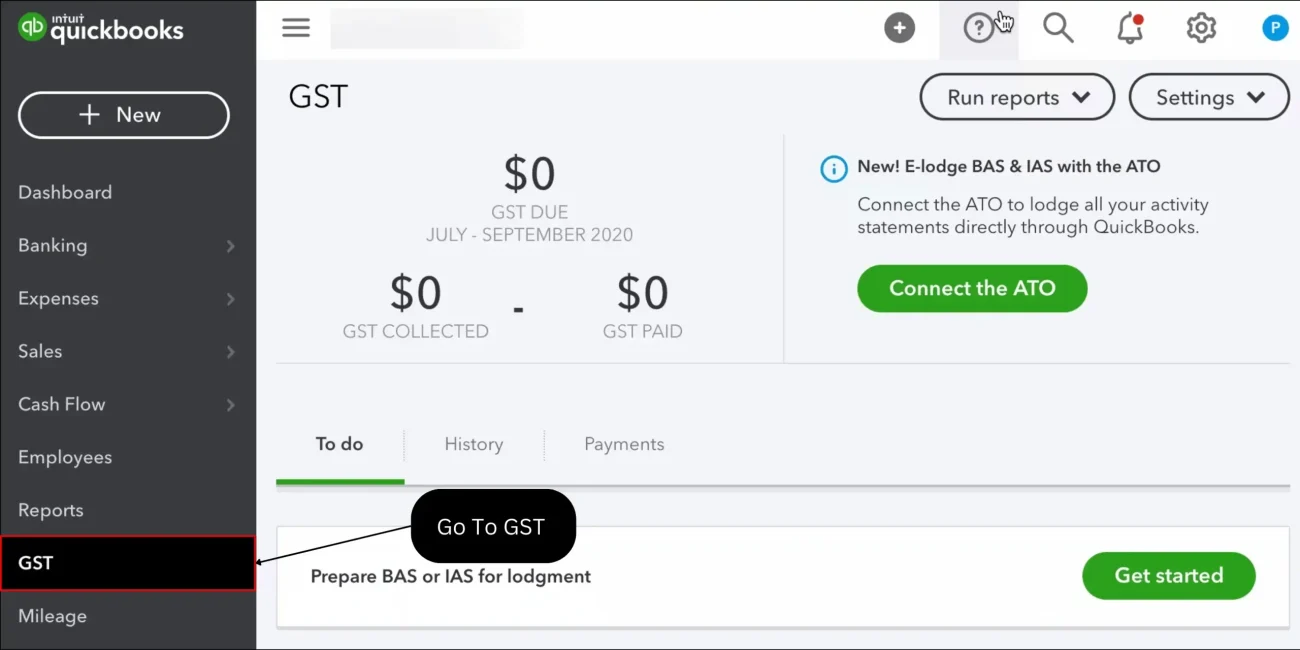
Select “GST” from the left-hand navigation menu.
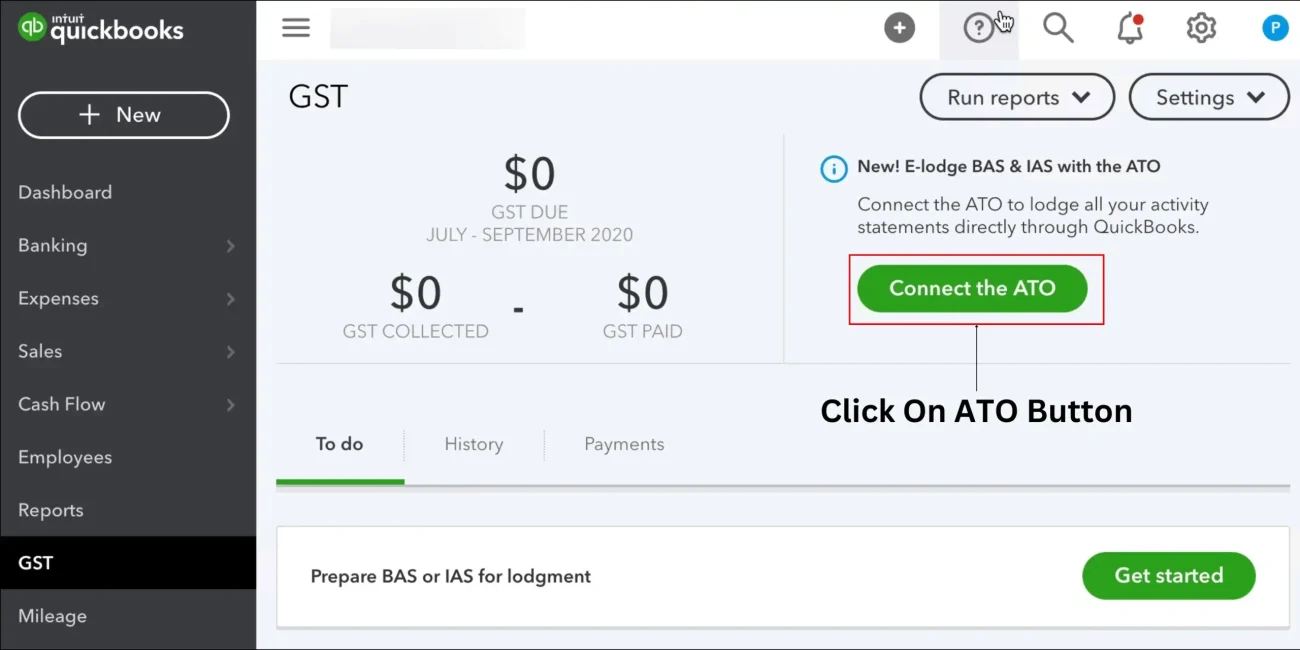
Select the “Connect the ATO” button.
Option 1: Call the ATO
- Call : 1300 85 22 32
- Follow these steps for selecting a software provider.
- Enter your tax file number.
- Tell the agent you need to add a new hosted service with Exactor*, ABN 61 612 826 605.
- Give your software ID (found in QuickBooks from the Connect to the ATO screen) to the ATO agent.
- Back in QuickBooks Online GST Center, tick the I've set up the ATO connection box and select Next
Option 2: Use ATO Access Manager
(requires AUS Key or My gov. account)
- Select GST from the left-hand navigation menu.
- Select the Connect the ATO button.
- Select the Login to Access Manager dialog box, then click on Next.
- Enter your business phone number and ABN, then select Submit.
From there, you will be redirected to the ATO Access Manager. Here’s what to do next:
- Sign in using your MyGovID.
- From the left side of the dashboard, select My Hosted SBR Software Services.
- There you will find the “Notify the ATO of your hosted service” option. Select it.
- Choose Exactor* from the list of software service providers.
- Enter your software ID (found in QuickBooks from the Connect to the ATO screen) and select Next.
- Review the information and select Save.
- Back in QuickBooks, go back to the GST tab and re-select the Connect to the ATO button.
- Choose the “Login to Access Manager” dialog box and then click Next.
- Choose the “I've set up the ATO connection” dialog box, and then click Next.